RoomDatabaseModule
Room Database Demo Project 📊
Welcome to the Room Database Demo project! This project is designed to help you understand and implement the Room Persistence Library in an Android application. Room is a powerful and efficient library provided by Android that simplifies the process of working with SQLite databases while also offering additional features like compile-time verification of SQL queries and support for LiveData.
In this demo project, you’ll learn how to:
- Set up the Room Database in your Android application. 🛠️
- Define entities to represent your data in the database. 📑
- Create Data Access Objects (DAOs) to perform database operations. 🏗️
- Use LiveData to observe changes in the database. 📡
Getting Started 🚀
To get started with this demo project, follow these steps:
- Clone the repository to your local machine.
git clone https://github.com/your-username/room-database-demo.git -
Open the project in Android Studio.
- Run the application on an emulator or physical device to see the practical implementation of Room Database.
Project Structure 📂
The project is organized as follows:
appmodule: Contains the main Android application code.room: Contains the Room database setup, entities, DAOs, and database-related classes.ui: Contains activities to demonstrate the usage of the database.
build.gradle: Contains the project-level and module-level build configurations.
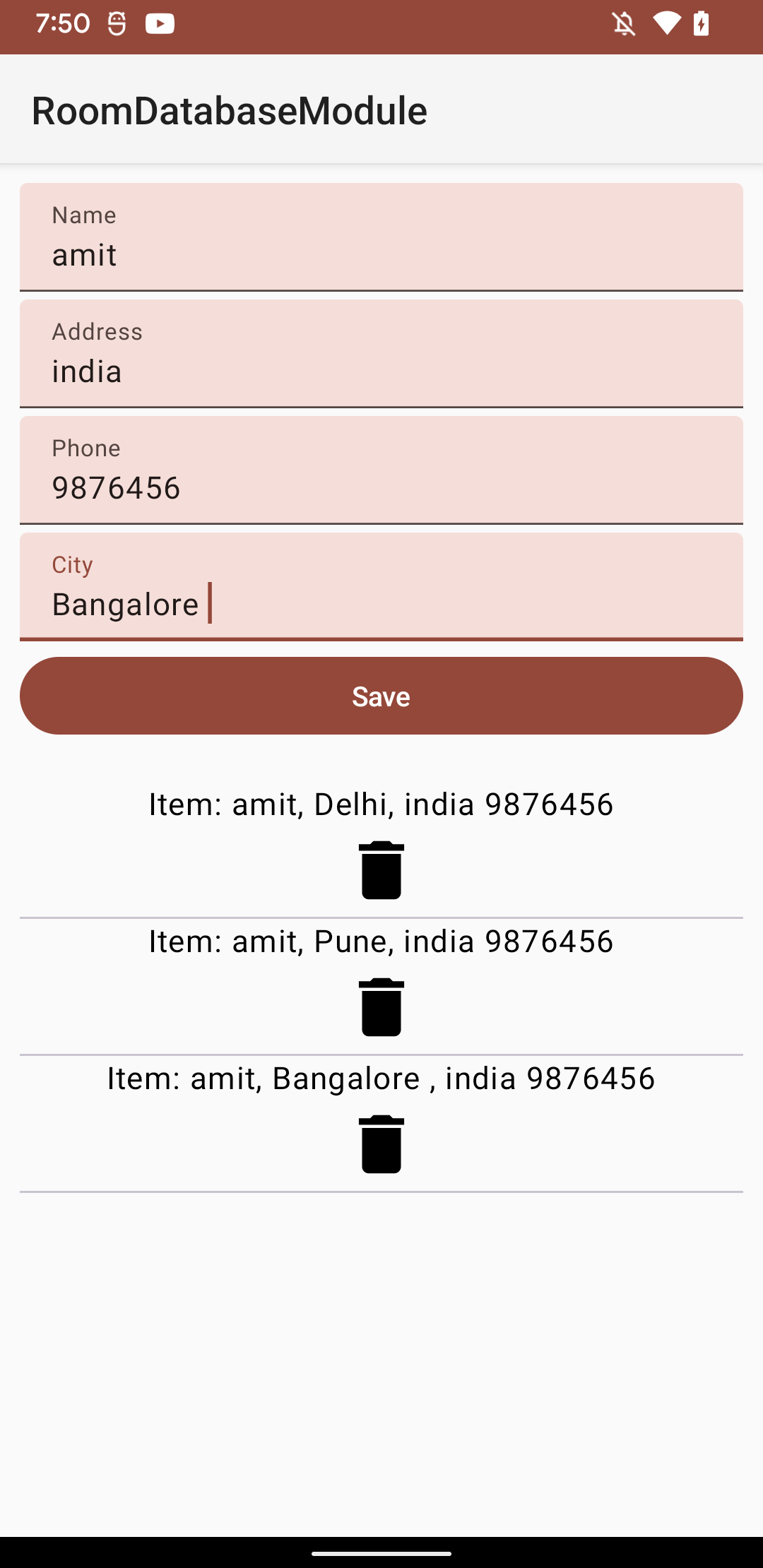
Screenshot
Implementation Steps 🛠️
-
Setting up Room Database: We’ve already set up the Room database in the
AppDatabaseclass. This class is the main access point to the database and should be initialized as a singleton. -
Defining Entities: The
UserEntityclass in thedata.entitiespackage represents a simple entity that can be stored in the database. You can define additional entities here to suit your project’s needs. -
Creating Data Access Objects (DAOs): The
UserDaointerface in thedata.daopackage defines methods to interact with the database. You can create additional DAOs for different entities. -
Using Livedata or State: In the
uipackage, you’ll find an example activity that demonstrates how to use LiveData to observe changes in the database and update the UI accordingly.
Resources 📚
- Medium article for setting up room
- Room Persistence Library Documentation
- Android Architecture Components
License 📄
This demo project is released under the MIT License.
Feel free to explore, modify, and use this project to enhance your understanding of Room Database in Android applications. Happy coding! 🚀